
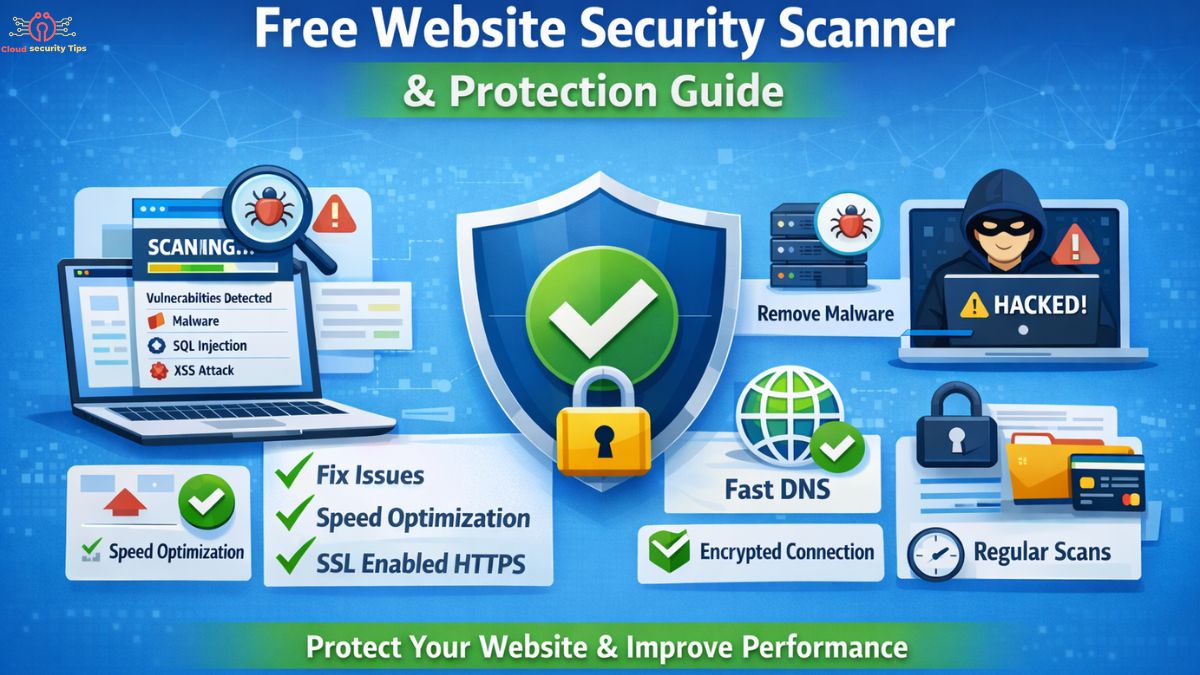
In today’s digital world, launching a website is easier than ever, but keeping it secure is where most people struggle. Every day, thousands of websites are targeted by automated bots, hackers, and malicious scripts looking for even the smallest weakness. Many website owners only realize the importance of security after something goes wrong — traffic drops, warnings appear in search results, or worse, the website gets hacked.
This is exactly where a free website security scanner online tool becomes important. It acts like a first line of defense, helping you identify hidden vulnerabilities, malware, and configuration issues before they turn into serious threats. However, real website security is not just about scanning. It also involves improving performance, setting up proper DNS, installing SSL, and protecting your site from malware.
Let’s break everything down in a simple and practical way.
What is a Website Security Scanner?
A website security scanner is a tool that analyzes your website to detect security risks and weaknesses. Instead of waiting for a hacker to find a problem, the scanner finds it first and shows you exactly where the issue exists.
A website vulnerability scanner goes deeper by simulating real-world attack methods. It checks for issues like SQL injection, cross-site scripting (XSS), insecure configurations, and outdated software. These are common entry points that attackers use to gain access.
The reason this matters so much is simple — even a small vulnerability can lead to major damage. Hackers can inject harmful code, steal sensitive information, or redirect your visitors to spam websites. In some cases, search engines may even blacklist your site, which can destroy your traffic overnight.
How a Website Vulnerability Scanner Works
Most people think scanning is just a quick check, but in reality, it is a detailed process happening in the background.
The process begins with discovering all parts of your website, including pages, files, and hidden URLs. After that, the scanner moves through your site like a search engine, following links and mapping the structure.
Once the structure is understood, the scanner starts analyzing behavior. Some checks are passive, meaning they observe how your site responds without interfering. Others are active, where the tool safely tests your site by simulating real attacks to find weaknesses.
Modern tools also compare your website with known vulnerability databases. If your system matches a known issue, it gets flagged immediately. This combination of techniques makes the results reliable and actionable.
Using a Free Website Security Scanner Effectively
Running a scan is simple, but using it correctly is what actually improves your security.
Most tools only require you to enter your website URL. The scan then begins automatically, crawling your site and analyzing multiple layers of security. Within a short time, you receive a report that highlights the issues found.
The key here is understanding the report. Instead of ignoring medium-level issues, it’s better to fix them early before they become serious. Security is not a one-time task — it is an ongoing process that improves over time as you keep scanning and fixing issues.
Why Modern Security Scanners Are More Powerful Today
Website security tools have evolved significantly over time. Modern scanners are designed to behave like real attackers, which allows them to uncover deeper and more complex vulnerabilities.
They are also smarter in how they report issues. Instead of showing hundreds of unnecessary warnings, many tools now use intelligent filtering to highlight real risks. This reduces confusion and helps you focus only on what actually matters.
Another major improvement is their ability to scan modern websites that rely heavily on JavaScript. These sites are more dynamic, and older scanners often miss important vulnerabilities. Newer tools can handle this complexity much better.
Understanding Security Reports and Taking Action
A scan report is only useful if you know how to act on it. Most reports categorize issues based on severity, helping you prioritize what to fix first.
Critical issues should always be handled immediately, as they pose the highest risk. Medium and low issues may not seem urgent, but fixing them improves overall security and reduces future risks.
Many advanced tools also provide proof of vulnerabilities. This means you can see exactly how the issue exists, which makes it easier to fix with confidence.
Improving Website Speed and Fixing WordPress Hosting Issues
Security and performance are closely connected. A slow website not only frustrates users but can also expose underlying technical problems.
WordPress websites often slow down because of poor-quality hosting, too many plugins, or unoptimized images that increase load time.. In some cases, the hosting server itself becomes the bottleneck.
Improving speed often starts with choosing better hosting. From there, optimizing images, enabling caching, and reducing unnecessary scripts can make a big difference. A faster website not only ranks better in search engines but also provides a safer and smoother experience for users.
How DNS Settings Impact Website Performance
DNS is often overlooked, but it plays a crucial role in how quickly your website loads.
Whenever someone visits your site, DNS translates your domain name into an IP address. If this process is slow, the entire website feels slow, even if your hosting is fast.
Using a reliable DNS provider can improve both speed and stability. Making this change is usually simple and can be done through your hosting panel or network settings. It’s a small adjustment that can have a noticeable impact.
Setting Up SSL for Secure Connections
An SSL certificate ensures that all data exchanged between your website and its visitors is encrypted. Without SSL, sensitive information can be intercepted, putting both you and your users at risk.
Installing SSL has become much easier thanks to free services that many hosting providers support. Once installed, your website will load over HTTPS, which is also a ranking factor for search engines.
It’s important to ensure that all parts of your site are properly secured after installation. Small issues like mixed content can break the secure connection and should be fixed immediately.
Handling Malware and Securing Your WordPress Website
Malware is one of the most serious threats a website can face. It can silently damage your site, affect your visitors, and harm your reputation.
Signs of malware often include unusual redirects, unknown files, or sudden drops in performance. If you notice these signs, it’s important to act quickly.
Cleaning a website manually requires careful steps. Creating a backup, removing infected files, reinstalling core files, and updating everything ensures that the threat is fully removed. Changing passwords afterward is also critical to prevent reinfection.
The best approach, however, is prevention. Keeping your website updated and using proper security practices can significantly reduce the chances of future attacks.
Why Regular Security Scans Are Essential
Website security is not something you can set and forget. New vulnerabilities appear regularly, and even a secure site today may become vulnerable tomorrow.
Regular scanning helps you stay ahead of these risks. It allows you to detect and fix issues early, before they are exploited. This not only protects your website but also helps maintain your search engine rankings and user trust.
Making Security Easier with Automation
As your website grows, managing security manually becomes more difficult. This is where automation becomes useful.
Automated scans allow you to monitor your website continuously without extra effort. Alerts notify you of any issues, so you can respond quickly. For developers, integrating security checks into development workflows ensures that vulnerabilities are caught before updates go live.
Common Questions About Website Security
Many people wonder whether a security scanner can detect everything. While no tool is perfect, a good scanner can identify most common vulnerabilities and provide a strong layer of protection.
Another common question is how often scanning should be done. For most websites, weekly scans are enough, but high-traffic or business websites may require more frequent checks.
It’s also important to know that trusted scanning tools are safe and designed not to harm your website during the process.
Final Thoughts
Website security is no longer optional — it is a necessity. Whether you are running a personal blog or a business website, protecting it should always be a priority.
Using a free website security scanner online tool is a great starting point, but true security comes from a combination of practices. From optimizing speed and DNS settings to installing SSL and preventing malware, every step plays a role in building a secure website.
If you stay consistent and proactive, you can protect your website, improve your rankings, and create a safer experience for your users.