
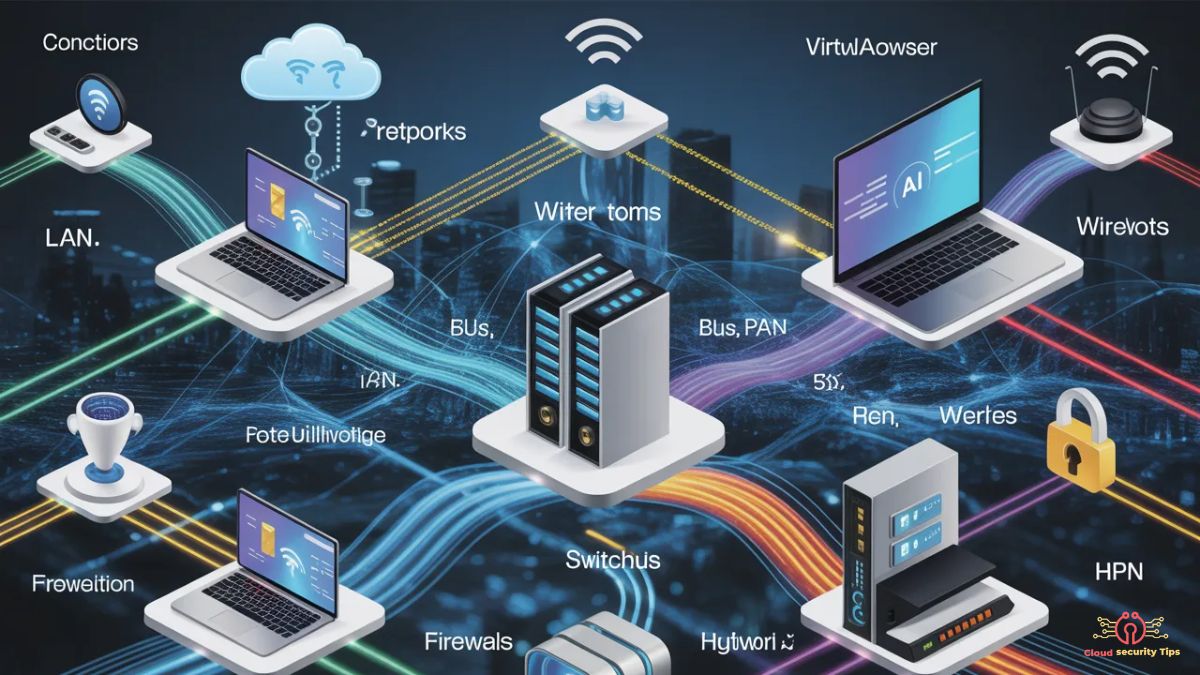
Computer networking is the practice of connecting multiple computing devices to enable seamless resource sharing, efficient information exchange, and effective communication. It forms the backbone of modern digital communication, powering everything from internet access, email, and file sharing to complex business applications and cloud-based services. Networking is not merely about linking devices—it ensures that data moves reliably, securely, and efficiently between systems, allowing smooth communication and consistent information flow. Networks can range from simple home setups to large-scale enterprise infrastructures, including LANs, WANs, and cloud networks.
Core components such as routers, switches, and servers operate under standardized communication protocols like TCP/IP, coordinating traffic and maintaining uninterrupted connectivity. Understanding computer networking is vital for optimizing system performance, strengthening cybersecurity, and supporting emerging technologies like AI, IoT, and remote collaboration platforms. This guide provides a clear, beginner-friendly yet professional overview of networking fundamentals, types, architectures, topologies, protocols, and future trends.
Importance of Computer Networks
Networking is crucial in homes, offices, and enterprise environments. Key benefits include:
- Resource Sharing: Multiple devices within a network can efficiently share files, printers, and internet connections, promoting collaboration and reducing redundancy.
- Seamless Communication: Enables effective communication via emails, messaging apps, and video conferencing.
- Centralized Data Management: Improves organization, accessibility, and productivity.
- Scalability: Networks allow organizations to expand by adding more devices or users without overhauling existing infrastructure.
Key Terminology in Networking
Understanding networking starts with familiarizing yourself with essential terms:
- Node: Any device connected to a network.
- Router: Manages data traffic between networks.
- Switch: Connects multiple devices within a network and efficiently directs data to the intended device.
- Hub: A basic device that broadcasts data to all connected devices.
- Modem: A device that transforms digital signals from computers into a format suitable for transmission over telephone lines, cable systems, or other communication channels, enabling internet connectivity.
- Protocol: A defined set of rules that governs how data is packaged, transmitted, and received, ensuring reliable communication across devices.
How Does a Computer Network Work?
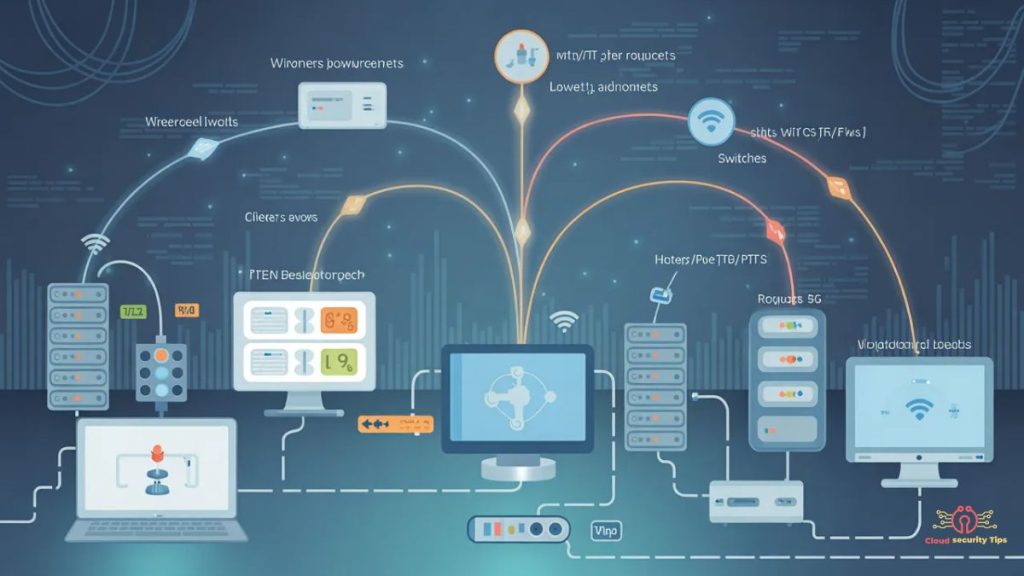
Networks transmit data in packets, traveling through various paths between devices, either physically or wirelessly.
Data Transmission Basics
- Bandwidth: Determines how much data can be transmitted at once.
- Latency: Measures the delay in data transfer.
- Wired Networks: Use cables like Ethernet or fiber optics for high-speed, reliable connections.
- Wireless Networks: Enable devices to communicate without physical cables by transmitting data through radio signals, including Wi-Fi, Bluetooth, mobile (cellular) networks, and satellite connections.
Network Component Interaction
Routers, switches, servers, and client devices work together to send and receive data. Servers provide resources, clients request them, and network devices manage data flow, creating seamless connectivity.
Types of Computer Networks
Networks can be classified by geographical coverage, transmission medium, and communication method:
By Geographical Area
- LAN (Local Area Network): Connects devices in a limited space such as a home, office, or small building for fast resource sharing and communication.
- WAN (Wide Area Network): Covers large areas like cities, countries, or continents.
- MAN (Metropolitan Area Network): Connects multiple local networks across a city, town, or campus for centralized data management and efficient communication.
- PAN (Personal Area Network): Links personal devices like smartphones, tablets, and laptops for private, short-range communication.
By Transmission Medium
- Wired Networks: Use Ethernet, fiber-optic, or coaxial cables.
- Wireless Networks: Enable connectivity without cables using Wi-Fi, cellular networks, Bluetooth, or satellite.
By Communication Method
- Client-Server Networks: Central servers provide resources to multiple clients.
- Peer-to-Peer (P2P) Networks: Devices share resources directly with each other.
- Hybrid Networks: Combine client-server and P2P advantages for flexibility.
Network Architectures
Network architecture defines how devices communicate and how data flows.
- Peer-to-Peer (P2P) Architecture: Devices act as both clients and servers; ideal for small networks and file sharing.
- Client-Server Architecture: A central server distributes resources to multiple clients; common in businesses and web services.
- Hybrid Architecture: Combines P2P and client-server elements for efficiency and flexibility.
Network Topologies
Network topology defines the arrangement of devices.
- Bus Topology: Devices share a single cable; simple but prone to collisions.
- Ring Topology: A network layout where devices are connected in a closed loop, allowing data to circulate in a single, sequential direction around the network.
- Star Topology: Devices connect to a central hub or switch, simplifying management and troubleshooting.
- Mesh Topology: Devices interconnect extensively, providing redundancy and fault tolerance.
Logical vs Physical Topology: Logical topology represents data flow, while physical topology represents actual device connections.
Common Networking Protocols
Protocols ensure seamless communication between devices:
- TCP/IP: The foundation of internet communication.
- HTTP/HTTPS: Web browsing and secure connections.
- FTP: File transfers between devices.
- DNS: Converts domain names into IP addresses.
Cloud Networking
Cloud networking integrates virtual networks with cloud computing, offering scalability, accessibility, and enhanced performance.
Components:
- Cloud servers for storage and processing.
- Virtual networks linking cloud resources.
- Gateways managing traffic between cloud and local networks.
Features:
- Fast Performance: Optimized routing.
- AI-Ready: Supports automation and machine learning.
- Secure: Encryption and access control.
- Scalable: Easily adapts to growing demands.
Modern Networking Use Cases
- Efficient Data Transfer: Enables rapid sharing of large files.
- Remote Collaboration: Supports online learning and remote work.
- Automated Management: AI and monitoring tools prevent cyberattacks and identify issues.
- Enhanced Data Storage: Cloud storage ensures backups, disaster recovery, and remote access.
- Network Security: Firewalls, VPNs, and encryption safeguard sensitive data.
Advantages and Risks
Benefits:
- Improved collaboration and communication.
- Optimal use of resources.
- Cost-effective infrastructure.
- Scalable for growing organizations.
Risks:
- Cybersecurity threats like malware and phishing.
- Data breaches and privacy concerns.
- Network downtime impacting productivity.
The Future of Networking
Emerging technologies are transforming networks:
- AI-enabled Networks: Automated management and optimization.
- IoT (Internet of Things): Connecting smart devices seamlessly.
- Software-Defined WAN (SD-WAN): Flexible network control.
- 5G Connectivity: Ultra-fast mobile networks.
Future Use Cases:
- Smart cities with interconnected systems.
- Cloud-first enterprises and remote work solutions.
- Advanced virtual collaboration and real-time data analytics.
Getting Started with Networking
Building Your First Network:
- Identify devices and resources.
- Choose network type and topology.
- Connect devices using proper cables or wireless setups.
- Configure routers, switches, and security measures.
Best Practices:
- Keep software and firmware updated.
- Use strong passwords and access controls.
- Monitor performance regularly.
- Backup critical data frequently.
Learning Resources:
- Online courses, tutorials, and forums.
- Professional networking communities.
- Cloud labs and simulation tools.
FAQ
Q1: Difference between LAN and WAN?
A: LAN connects a small area like home or office; WAN spans cities or countries.
Q2: Common network topologies?
A: Bus, Ring, Star, Mesh, and hybrid, each with unique benefits.
Q3: Importance of network security?
A: Protects data from cyberattacks, ensures privacy, and maintains reliable operations.
Q4: What is cloud networking?
A: Integrates virtual networks with cloud computing for scalable, flexible, AI-ready networks.
Q5: How to start learning networking?
A: Use online courses, hands-on labs, and practice with home or small office networks.
Conclusion
Computer networking is the backbone of modern digital communication, connecting devices, servers, and cloud systems to share data and resources efficiently. Understanding key concepts—like LANs, WANs, cloud networking, topologies, architectures, and protocols—empowers individuals and organizations to optimize performance, enhance security, and enable fast, reliable, and scalable communication. With AI, IoT, SD-WAN, and 5G shaping next-generation networks, mastering networking ensures preparedness for future digital demands. Whether for personal, educational, or enterprise use, a solid grasp of networking principles drives productivity, collaboration, and innovation in today’s interconnected world.
3 thoughts on “What is Computer Networking?”